

DATA PACKS
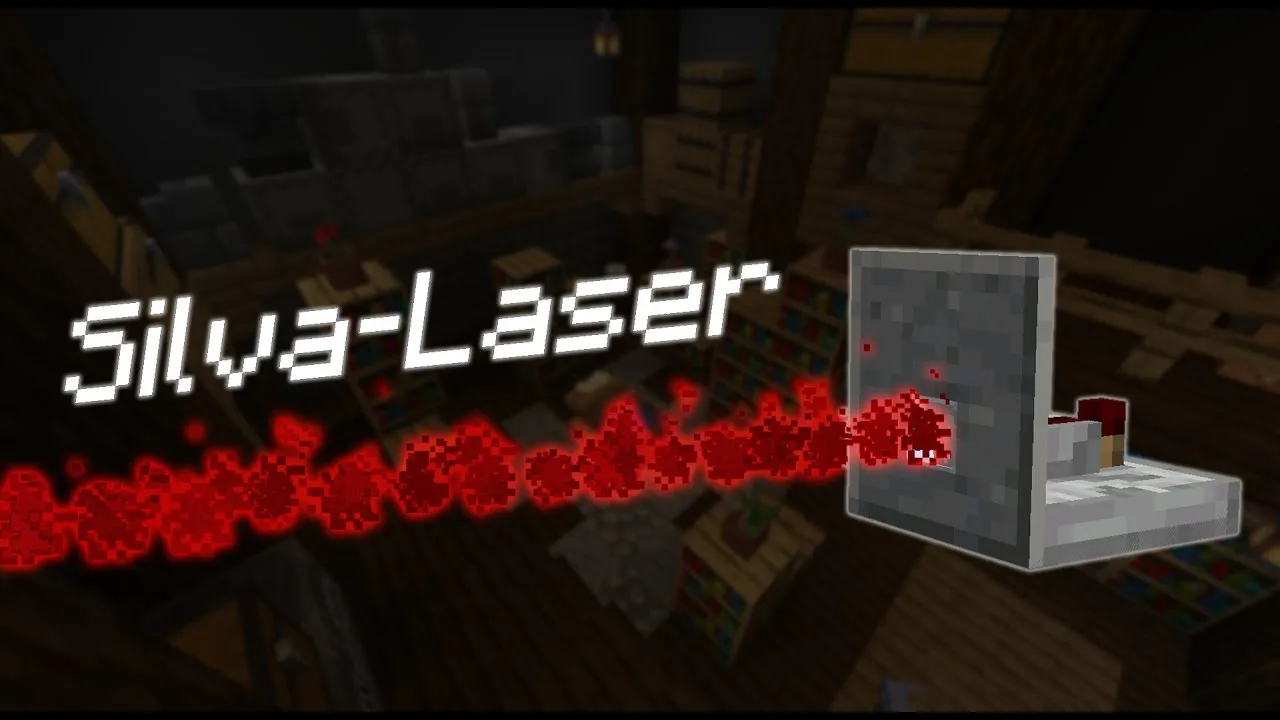
Silva-Laser
A datapack that adds detection lasers able to spot any entity passing in front of them and trigger your redstone circuits.
September 19, 2021
A guarded corridor, an alarm that goes off when an intruder walks by, a secret door that opens on its own… Silva-Laser adds detection lasers to Minecraft. Their job is simple: notice when an entity passes in front of them, and send out a redstone signal.
This datapack was made solo by Silvathor, one of the founders of Oneiric Forge. We gathered it here with his other creations so that all of his datapacks can be found in one place.
All of these modes are shown step by step in the video above.
By default, the lasers can blend into stone, polished andesite, dirt and spruce planks. To hide them in any block, Robotechnic made a texture generator available on GitHub that extends the resource pack.
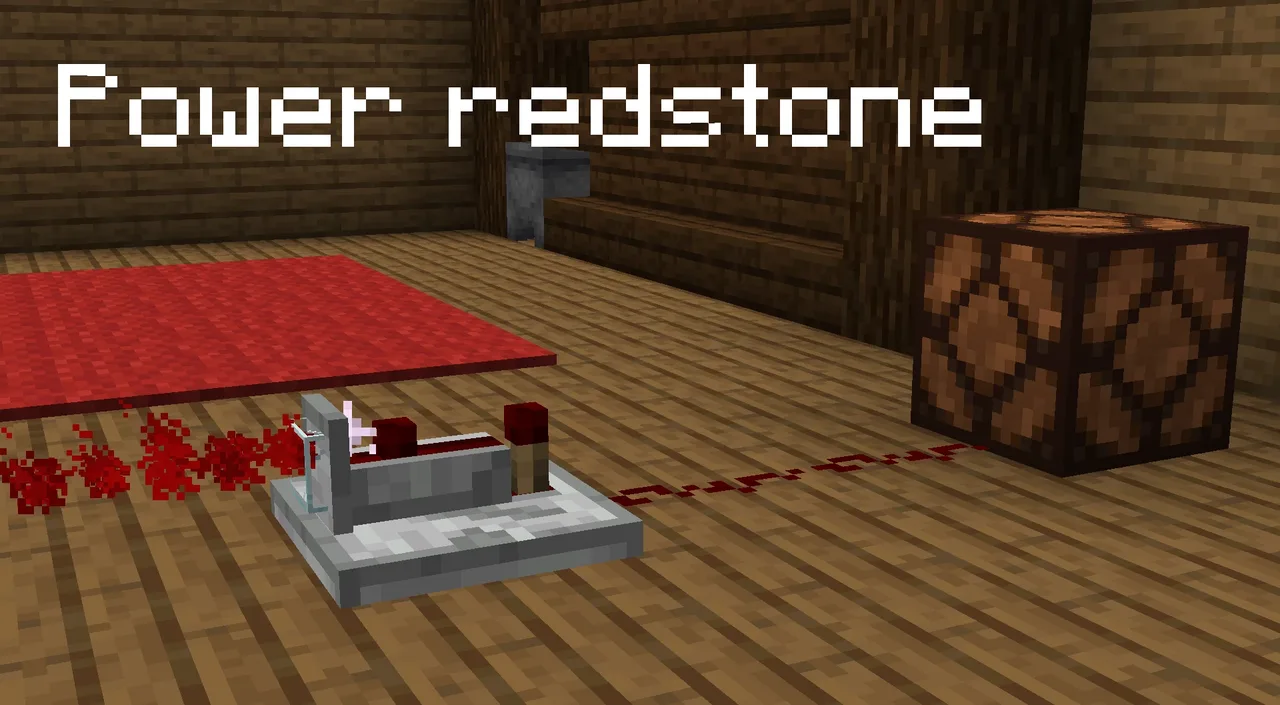
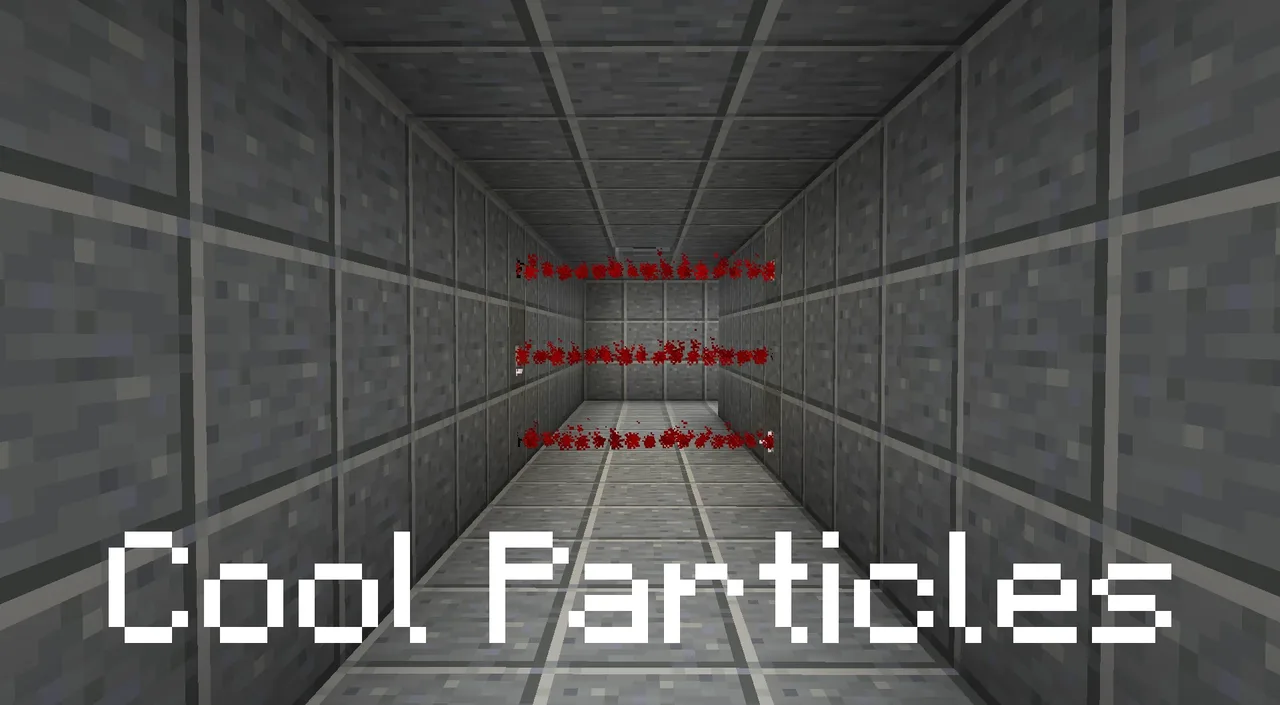
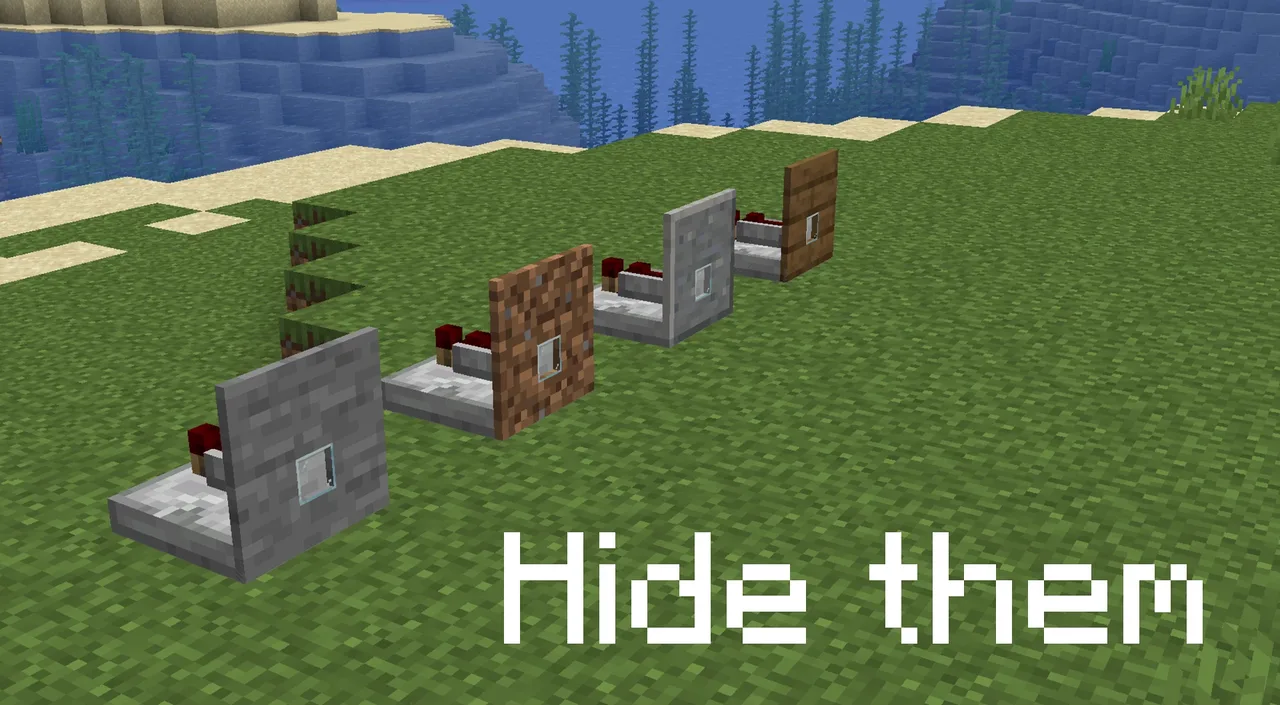
Warning: don’t forget to install the resource pack, which you can download from the same Planet Minecraft page as the datapack.
datapacks folder (inside saves).resourcepacks folder of your .minecraft and enable it.Playing on a version between 1.13 and 1.16? Silvathor offered to send an adapted version if you contacted him on his Discord.
- By Oneiric Forge

A datapack that adds detection lasers able to spot any entity passing in front of them and trigger your redstone circuits.
A small, handy datapack that opens and closes double doors with a single click.
A map making tool to program soldier patrols and moving platform paths, perfect for building stealth maps.