

DATA PACKS
Silva-Laser
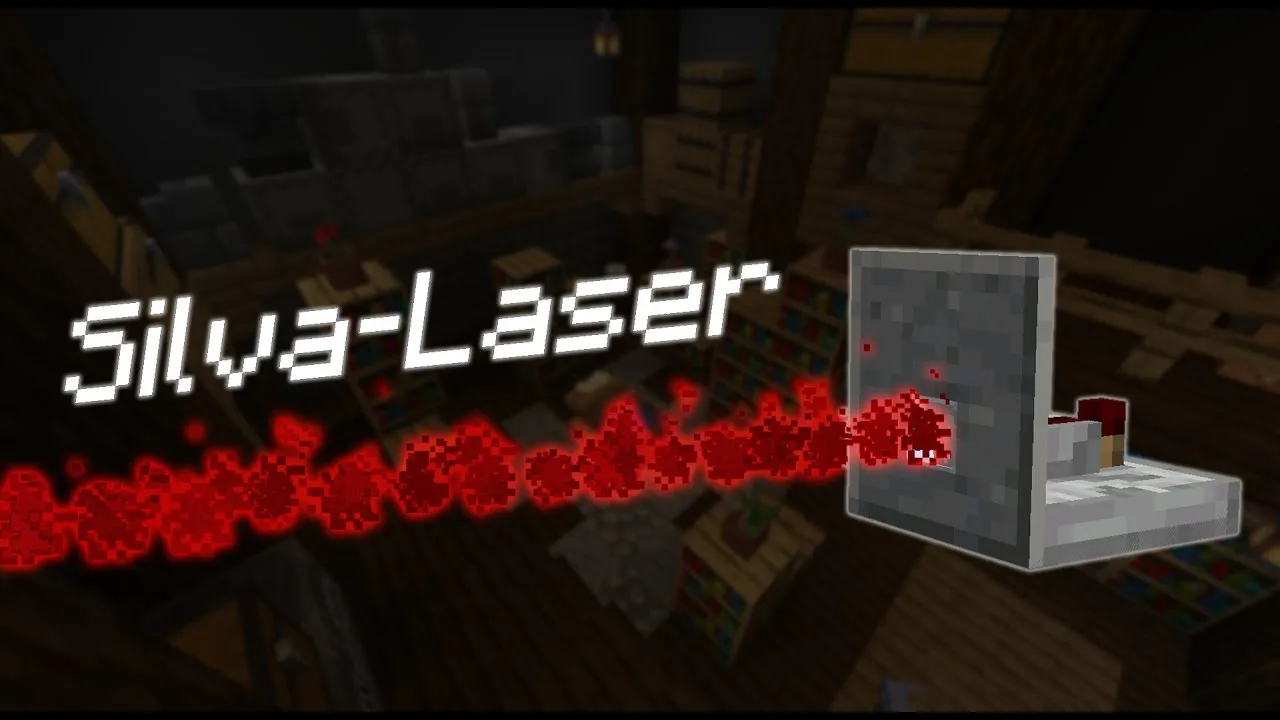
A datapack that adds detection lasers able to spot any entity passing in front of them and trigger your redstone circuits.
September 19, 2021
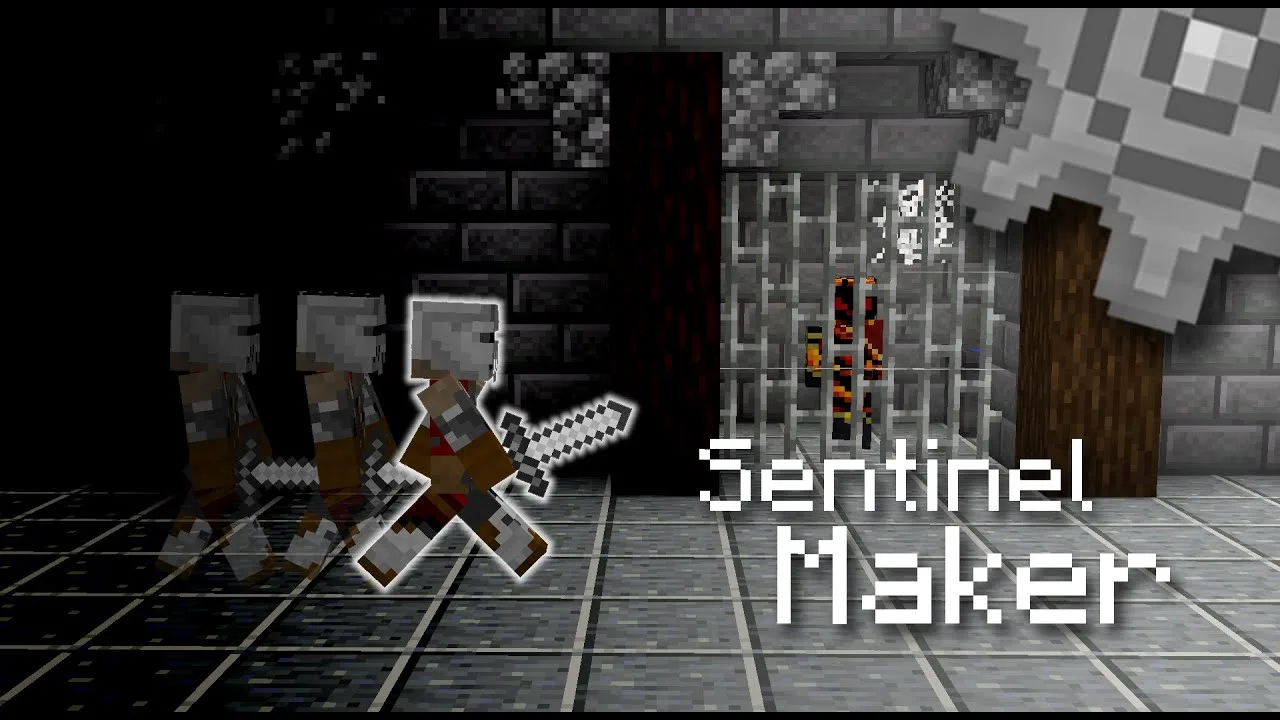
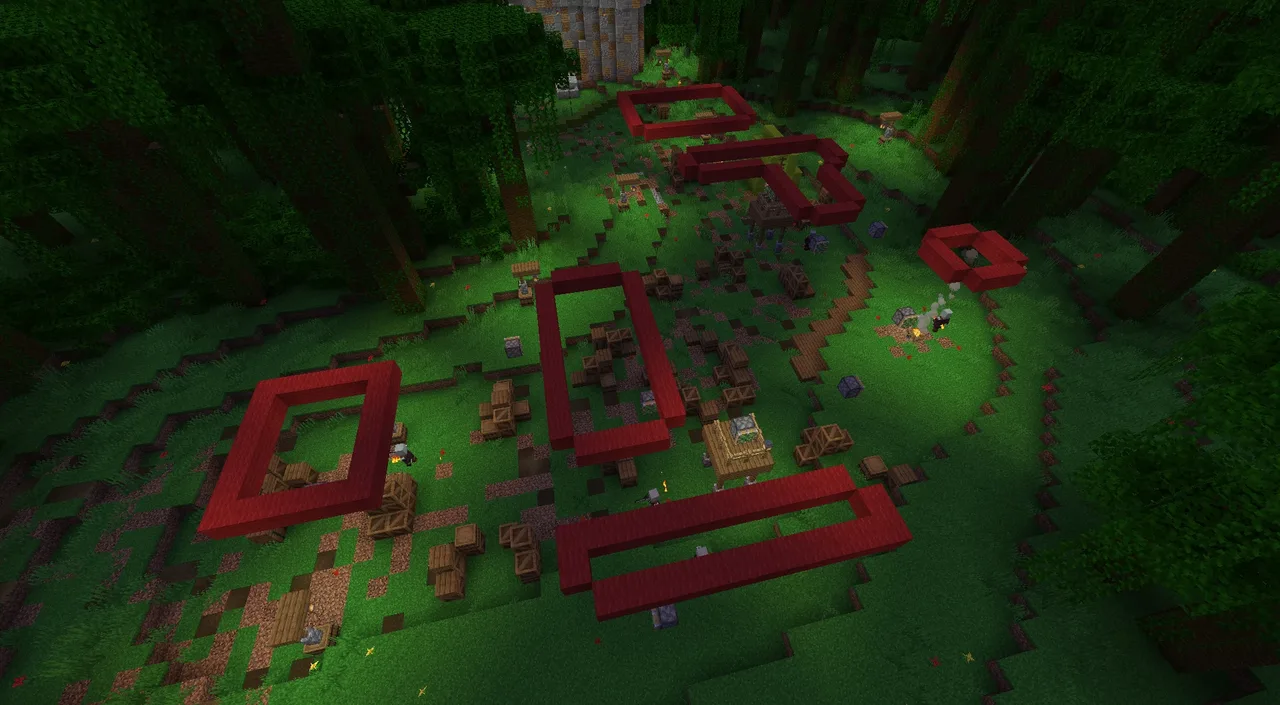
Ever dreamed of building a map where you have to sneak past the guards without being spotted? Sentinel Maker is made for you. This map making tool lets you program soldier patrols and moving platform paths right in the game, with just a few commands.
This datapack was made solo by Silvathor, one of the founders of Oneiric Forge. We gathered it here with his other creations so that all of his datapacks can be found in one place.
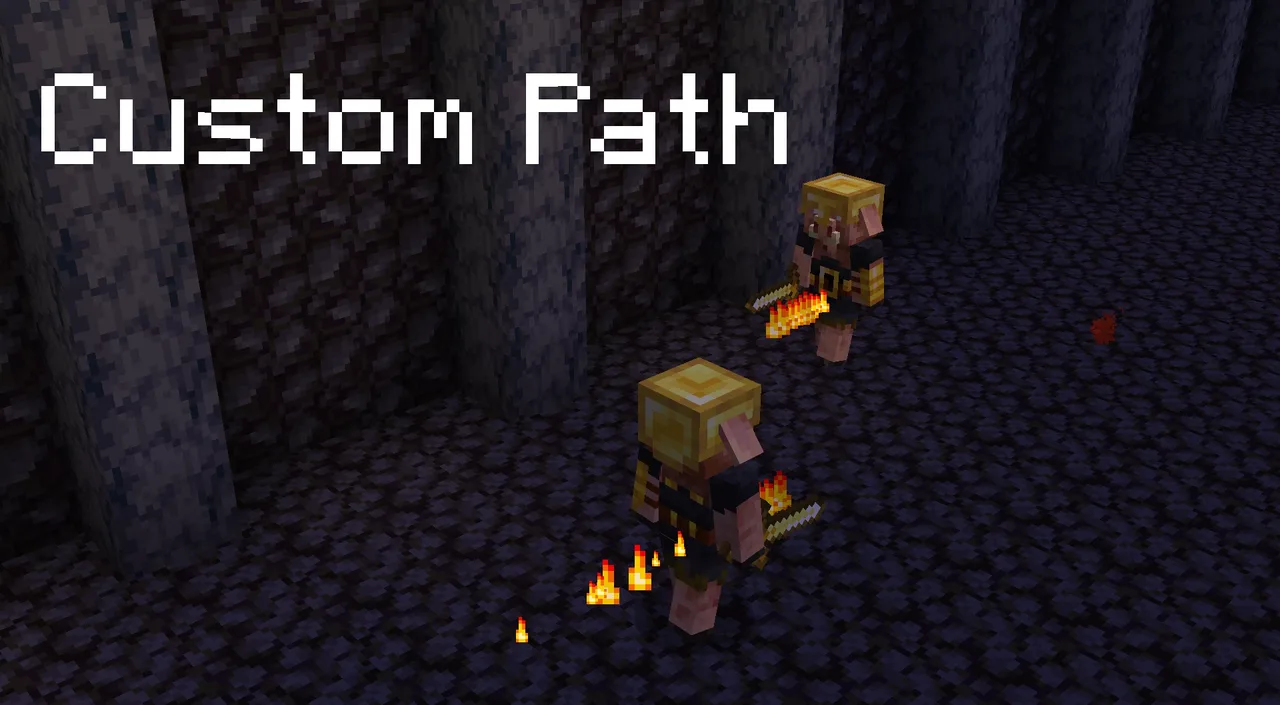
Each sentinel follows a path that you lay out with markers (called “balises” in the commands). When it walks over a marker, it turns by the angle you chose, which lets you draw any route you like. If a sentinel spots a player, it reacts: what it does in that case is up to you.
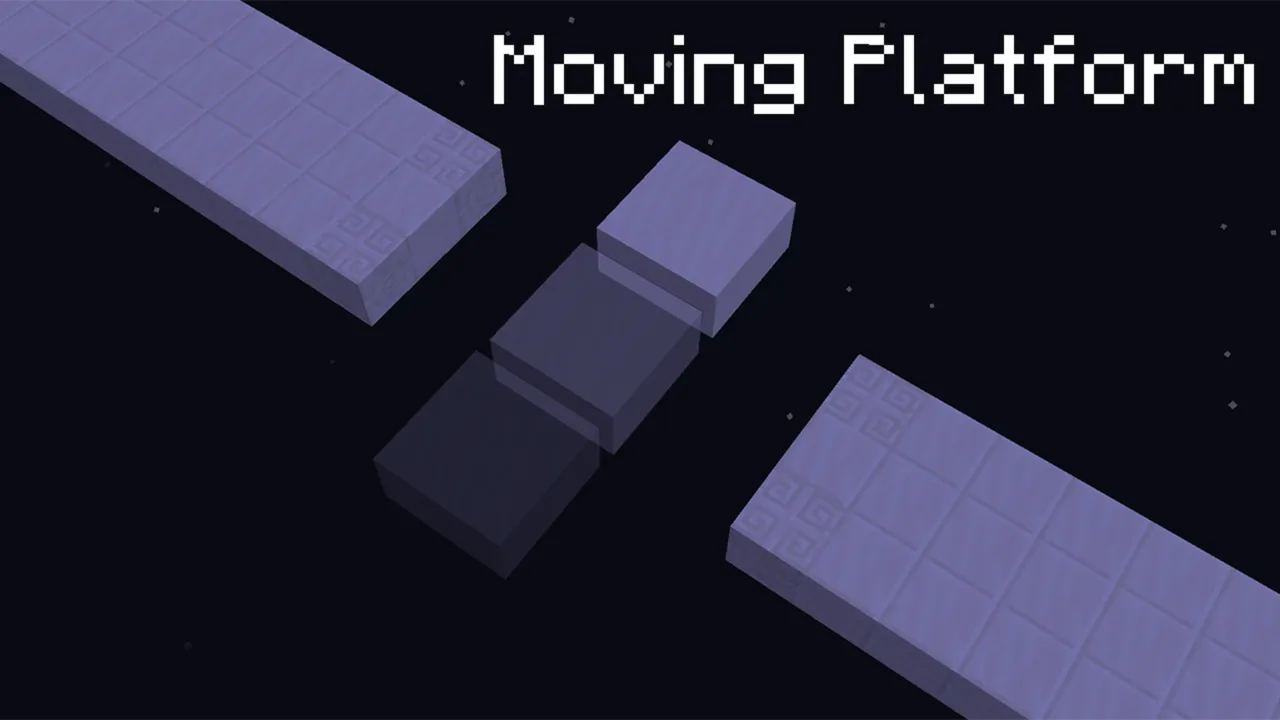
The same system can also carry moving platforms along a path.
To place your markers, first give yourself the sentinel.maker tag, which unlocks the /trigger commands:
/trigger balise.set set X: places a marker that turns the sentinel X degrees to the right (for example 90 to turn right, -90 to turn left)./trigger balise.kill: removes the nearest marker./trigger balise.kill set 42: removes every marker within a 50-block radius.To work, a sentinel needs the NBT data NoAI:1b and Tags:["sentinel.entity"]. Here’s an example soldier:
/summon minecraft:skeleton ~ ~ ~ {Rotation:[0.0f,0.0f],NoAI:1b,Tags:["sentinel.entity"],HandItems:[{id:"minecraft:iron_sword",Count:1},{}],ArmorItems:[{},{},{},{id:"minecraft:chainmail_helmet",Count:1}]}
And an example moving platform:
/summon minecraft:armor_stand ~ ~-0.5 ~ {Rotation:[0.0f,0.0f],Tags:["sentinel.entity","sentinel.blindness","sentinel.NoGravity"],Invisible:true,Small:true,Marker:true,Passengers:[{id:"shulker",NoAI:1,Color:0b}]}
Everything is configured through the sentinel.config scoreboard, which you can display with:
/scoreboard objectives setdisplay sidebar sentinel.config
time.calm_down: how long it takes a sentinel to forget you (0 or more).time.spotted: how long you have to stand in front of a sentinel before being spotted (0 or more).sentinel.gravity: 0 to disable gravity, 1 to enable it.A few tags also let you fine-tune each sentinel:
sentinel.NoGravity removes gravity from a specific sentinel.sentinel.blindness disables its player detection.Finally, you can edit the sentinel:spotted function to choose what a sentinel does when it sees you.
saves folder of your .minecraft, then your world’s folder.datapacks folder.- By Oneiric Forge

A datapack that adds detection lasers able to spot any entity passing in front of them and trigger your redstone circuits.
A small, handy datapack that opens and closes double doors with a single click.
A map making tool to program soldier patrols and moving platform paths, perfect for building stealth maps.