

DATA PACKS
Silva-Laser
A datapack that adds detection lasers able to spot any entity passing in front of them and trigger your redstone circuits.
September 19, 2021
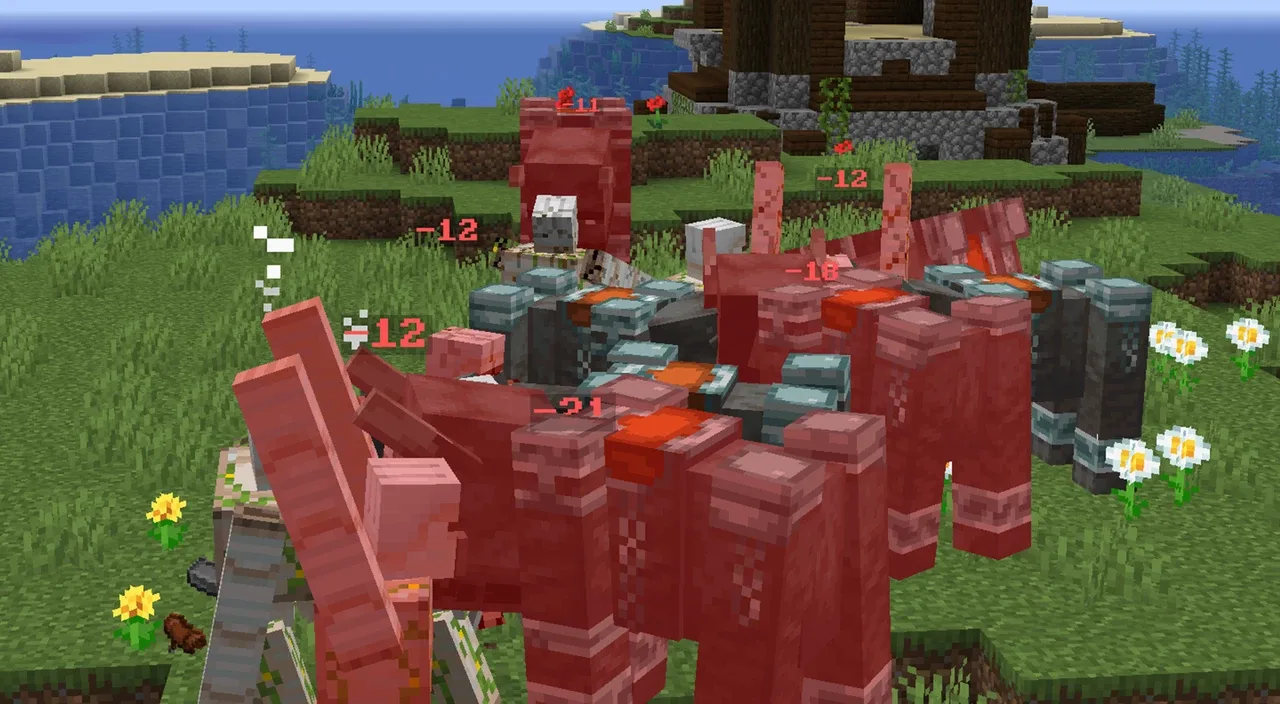
In the middle of a fight, it’s hard to tell how much health a hit really took away. Damage Indicator answers that question without any mod: every bit of damage and every heal is displayed right in the world, above mobs and players alike.
This datapack was made solo by Silvathor, one of the founders of Oneiric Forge. We gathered it here with his other creations so that all of his datapacks can be found in one place.
The idea is deliberately simple and discreet:
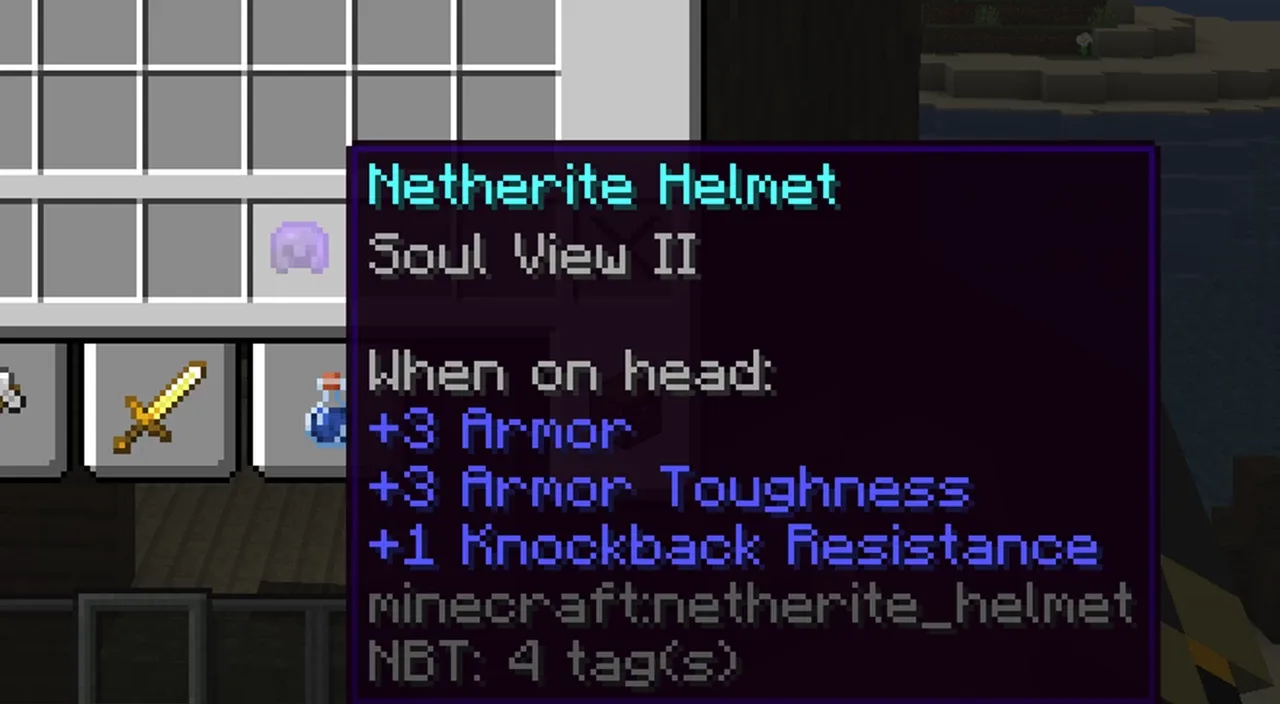
The datapack also adds a new helmet enchantment: Soul View, available at levels 1 and 2. Once you wear the enchanted helmet, you can see the remaining health percentage of mobs. Level 2 gives you even more information than level 1.
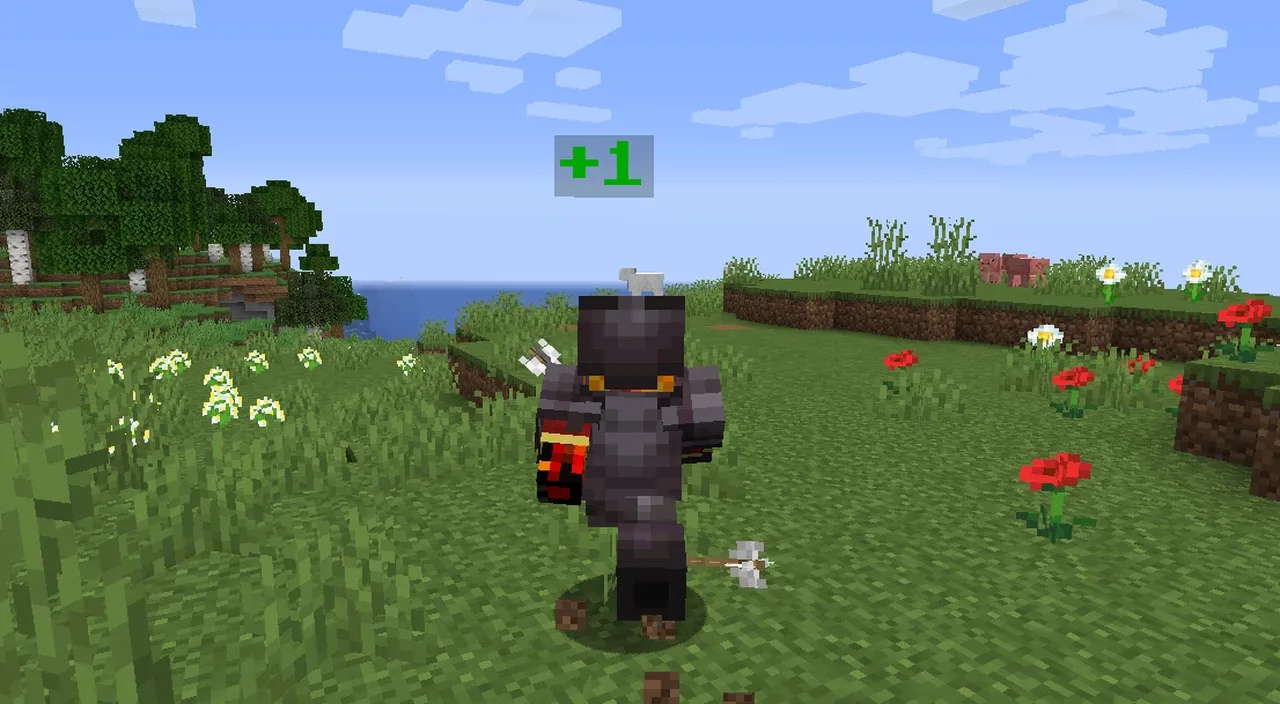
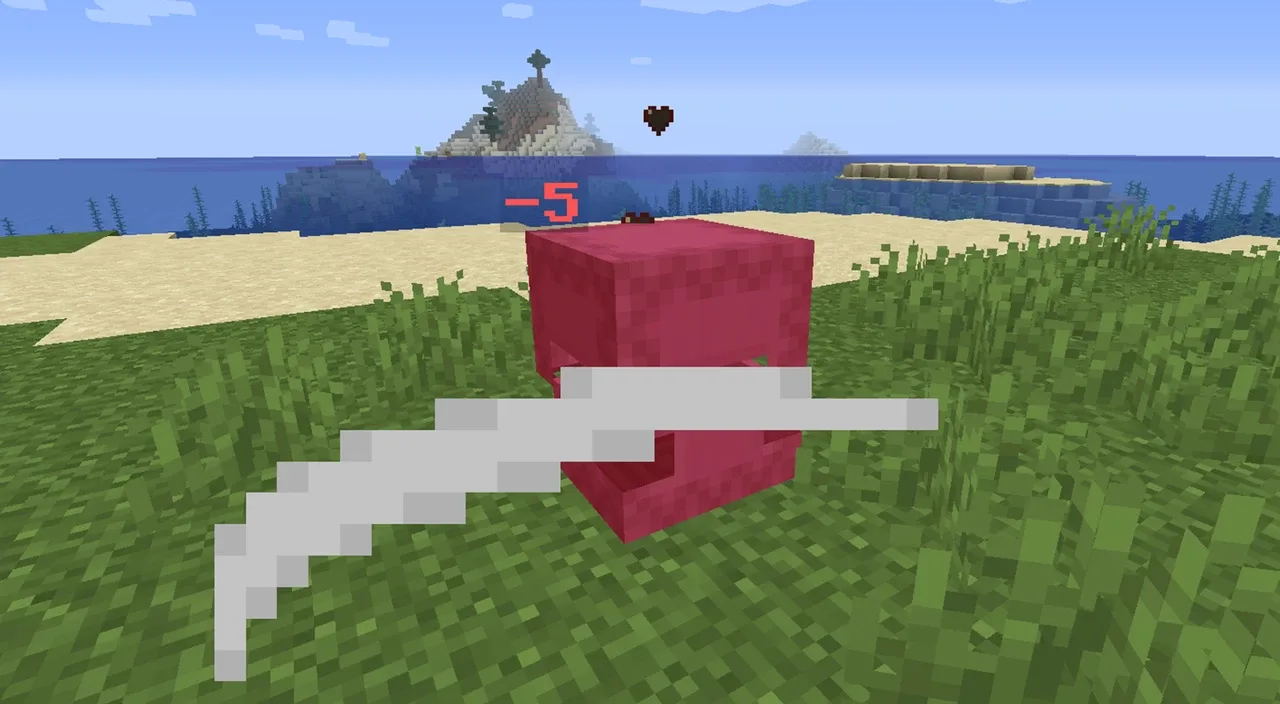
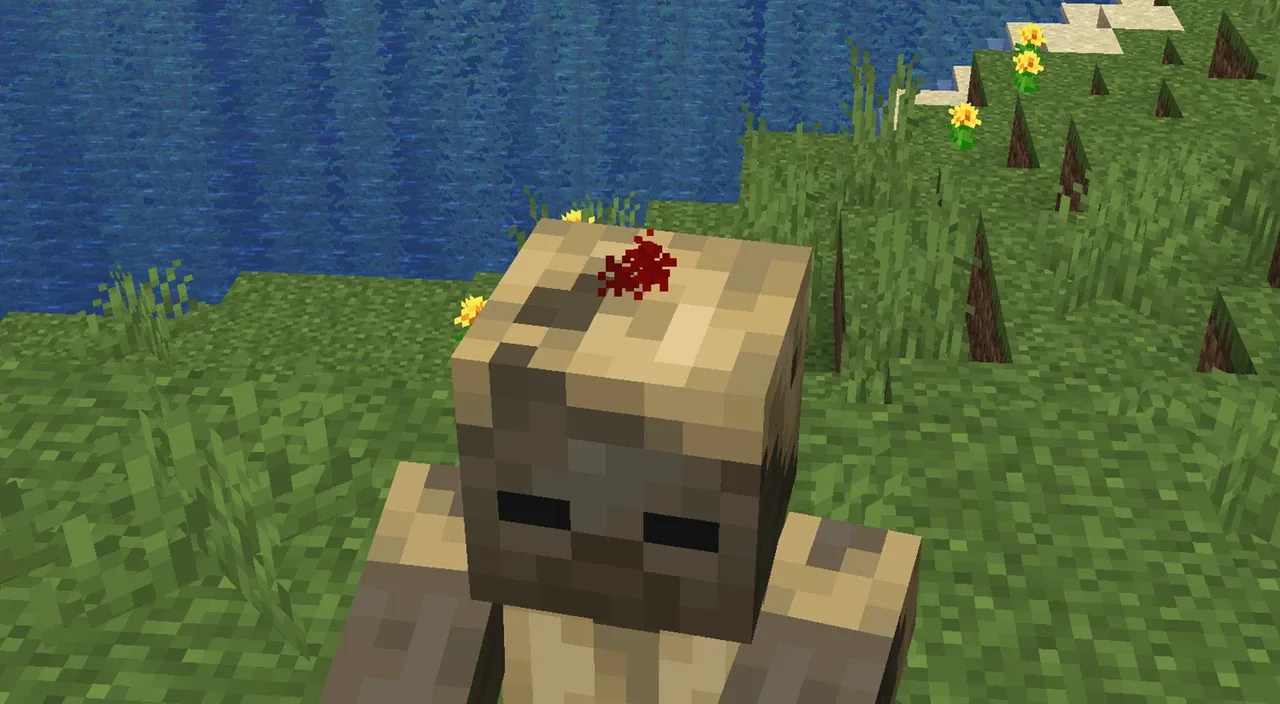
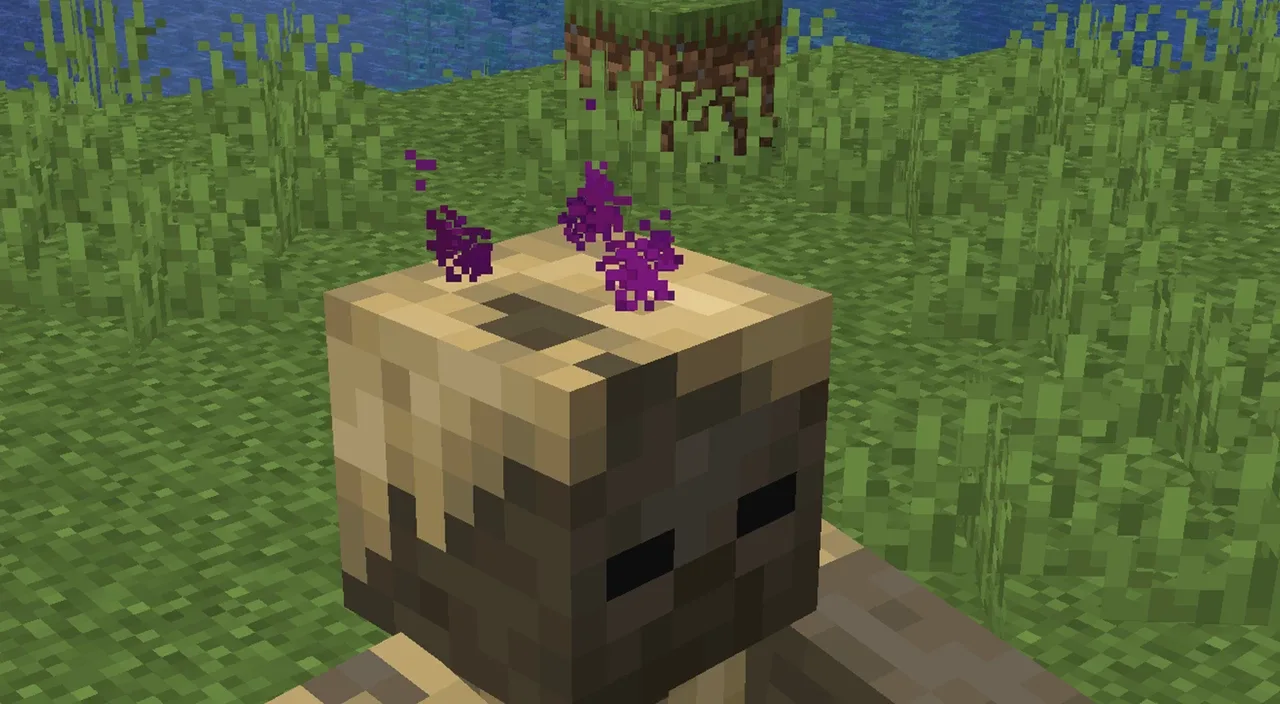
Silvathor also released a video explaining how the system works behind the scenes:
saves folder of your .minecraft, then your world’s folder.datapacks folder.- By Oneiric Forge

A datapack that adds detection lasers able to spot any entity passing in front of them and trigger your redstone circuits.
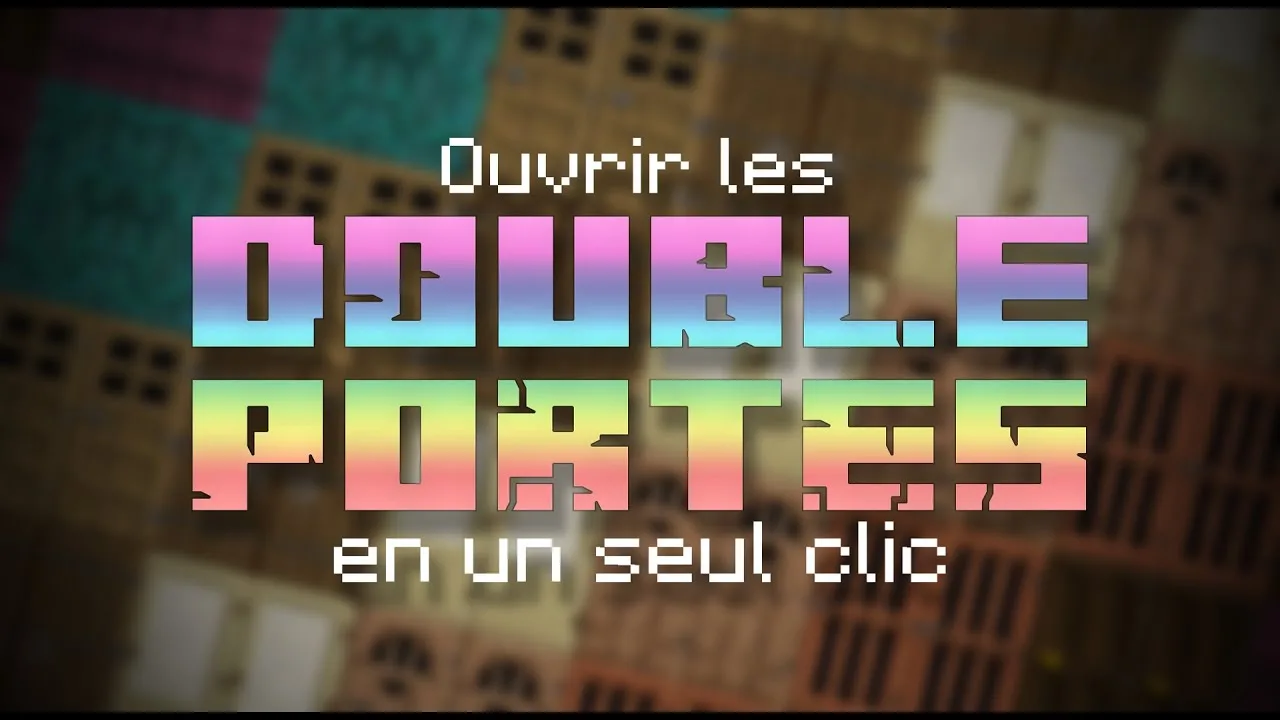
A small, handy datapack that opens and closes double doors with a single click.
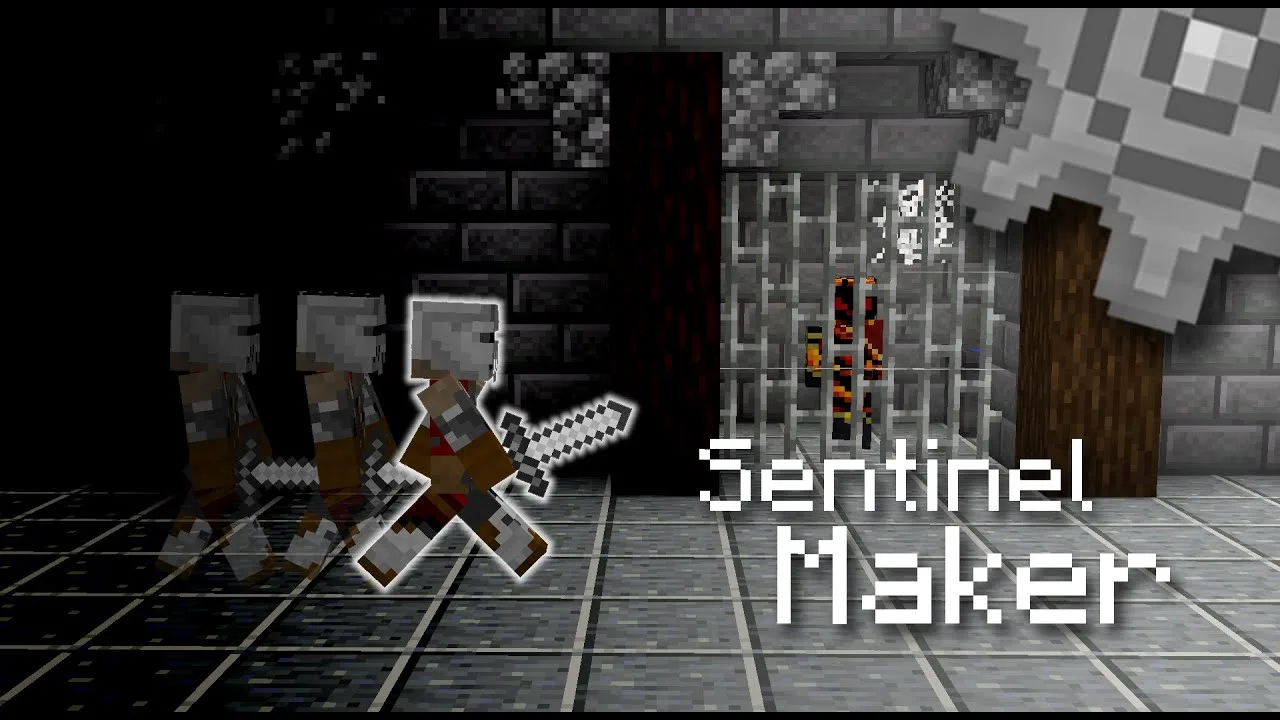
A map making tool to program soldier patrols and moving platform paths, perfect for building stealth maps.